Before deciding on the type of illustrations I would create for the animation, I needed to do some more research in that field.
I looked at traditional cel animations again (especially Pink Panther cartoons) to understand how they used perspectives and backgrounds to indicate movement.
I also explored other options, especially Adobe software such as After Effects, Animate or Character Animator. I had already had the opportunity to use After Effects to create simple actions but not to animate characters. However, having used that program was helpful. One film on YouTube summarises very well how to animate characters in Adobe Animate and After Effects and it helped me to get an overview: www.youtube.com/watch?v=iMuG6okkm58.
I then used my sketchbook to explore various options.
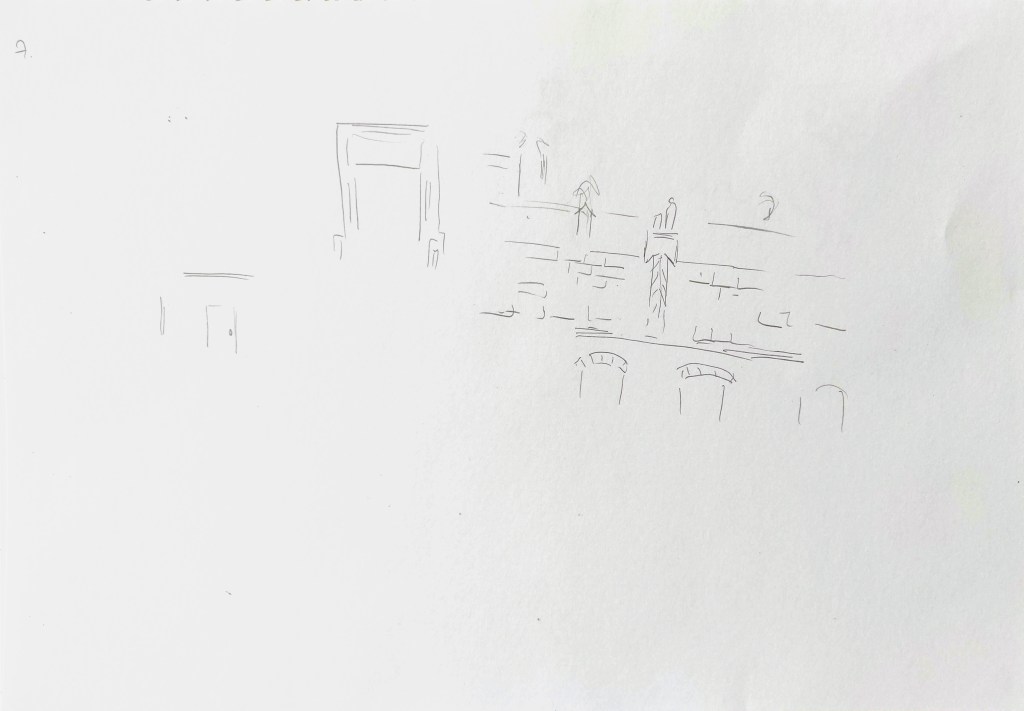
This part of the process was quite challenging. I went back and forth and modify the story several times. I first was inspired by some sketches I created as part of an exercise about pareidolia in the past, in particular an owl on top of buildings (see below).
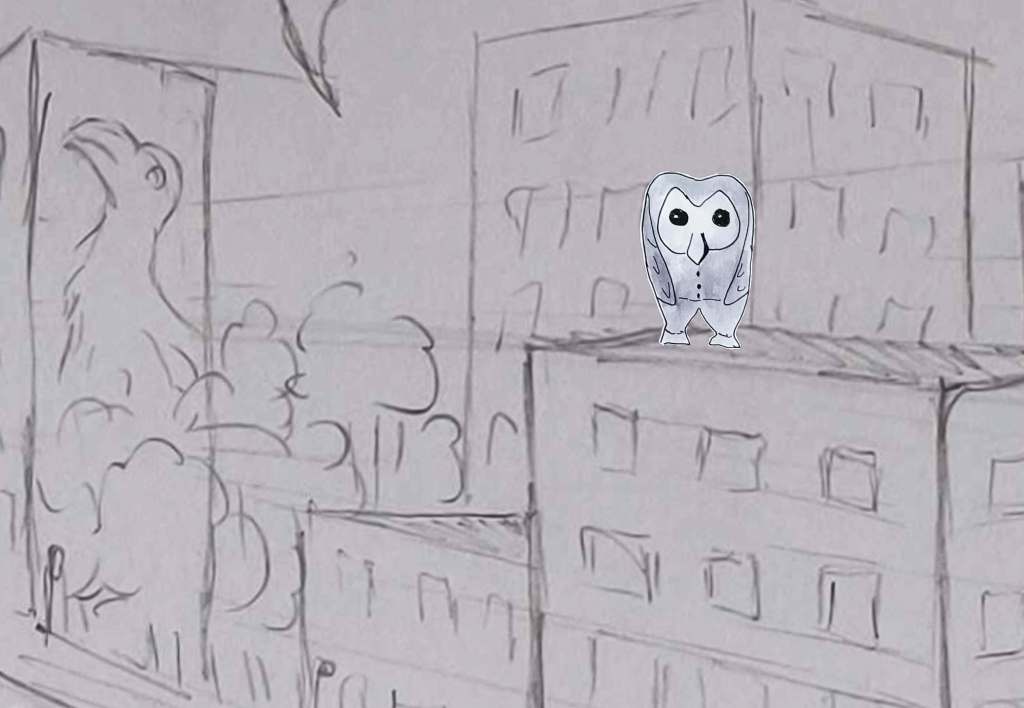
I meant to tell the story of an owl character who would be the bad guy and the bird drawn on the wall on the left hand side of the sketch would be some super hero. However, I noticed that lately I had often chosen birds as a subject for illustrations, so I took another direction and decided to draw people.
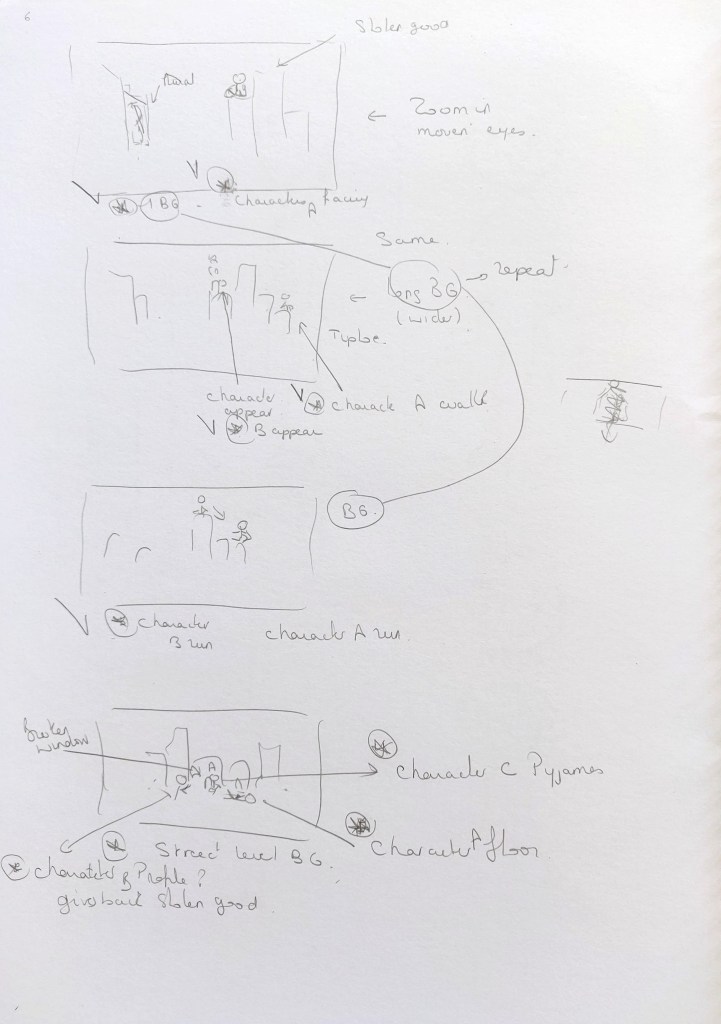
The initial story I wanted to animate was:
- The thief is on the roof. He thinks he is on his own; he intends to run away with some stolen goods. The hero is hiding behind a chimney.
- The hero runs after the thief.
- The hero arrests the thief and gives back what he has stolen to its owner.
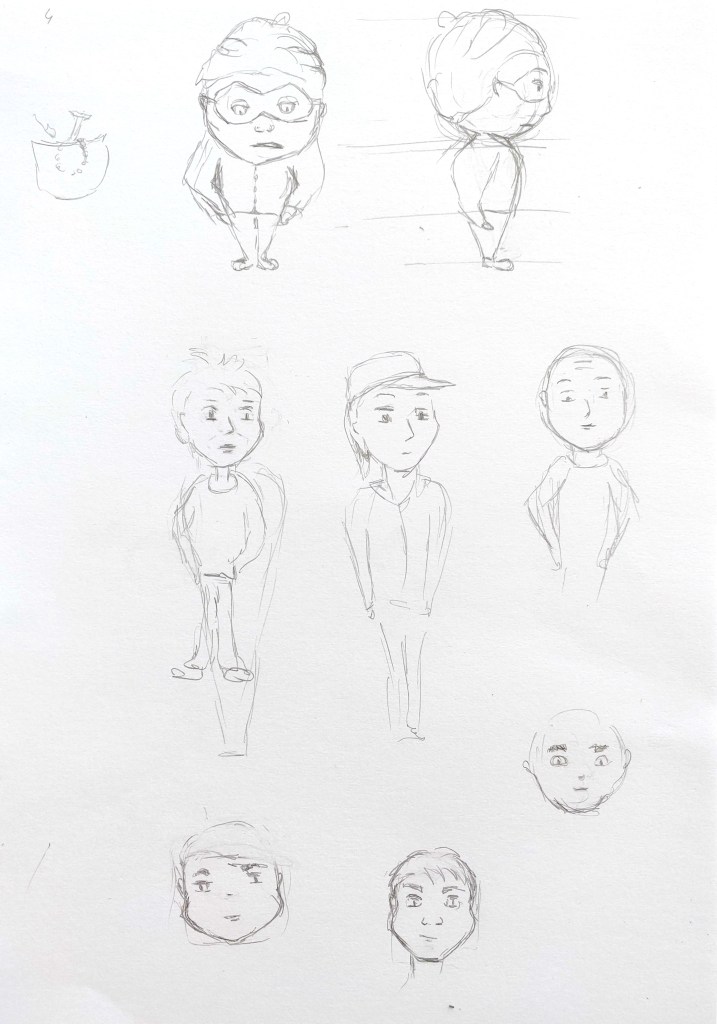
The idea was to draw the characters with simple lines so that it would be easy to draw them again and again.
However after carrying out some tests in After Effects and doing more research (including checking the combination of movements of walking/running characters: https://design.tutsplus.com/tutorials/animation-for-beginners-how-to-animate-a-character-running–cms-25730 and https://design.tutsplus.com/tutorials/animation-for-beginners-how-to-animate-a-character-walking–cms-25536), I found that the story was fairly complicated to animate for someone who did not have much experience in that field. I therefore simplified the story:
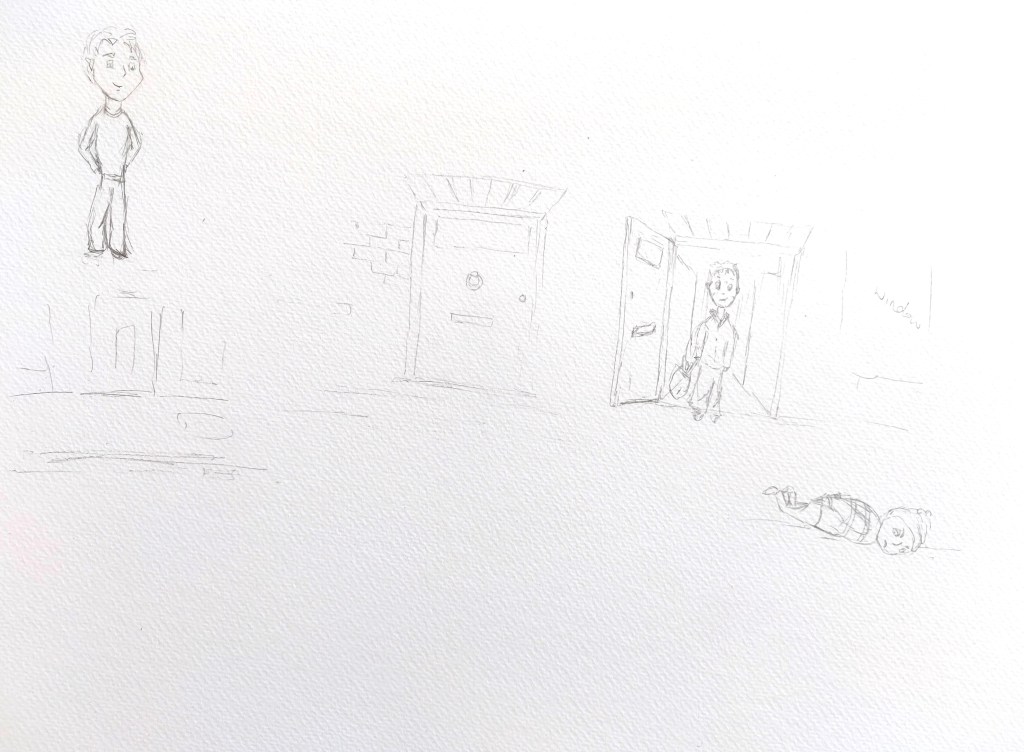
When the thief realises that the hero is after him, he falls off the roof (in a cartoony way). The hero arrests him on the pavement.
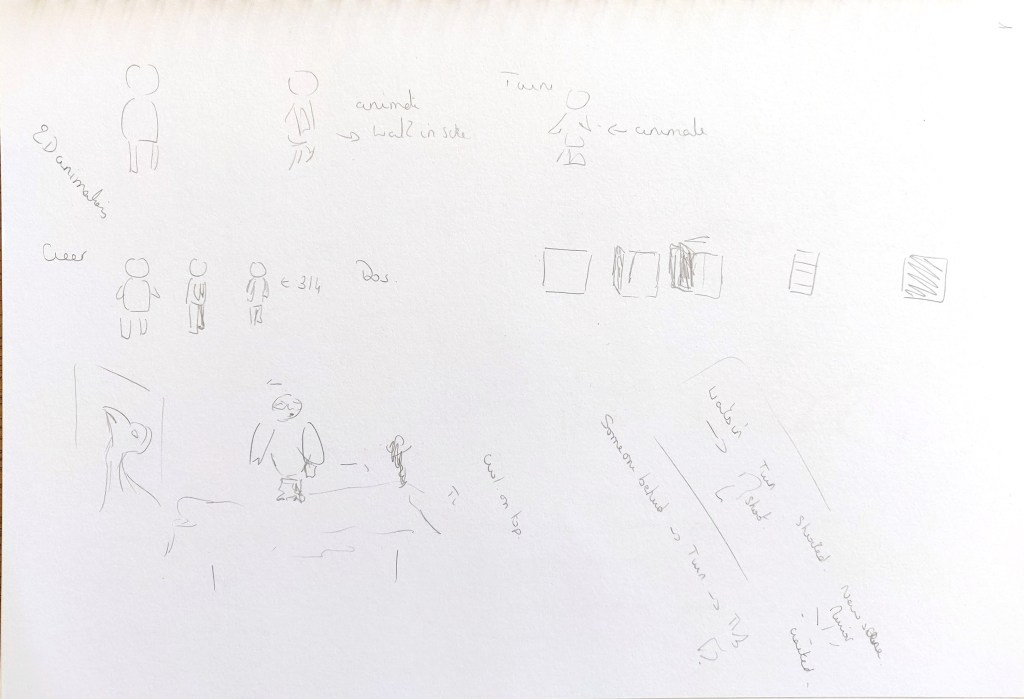
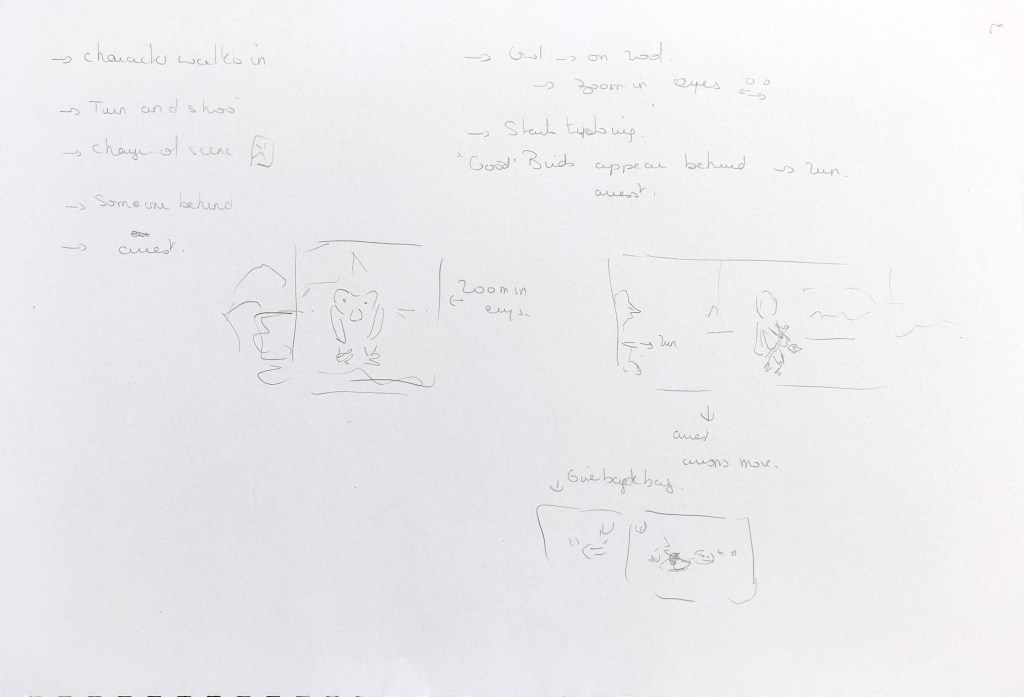
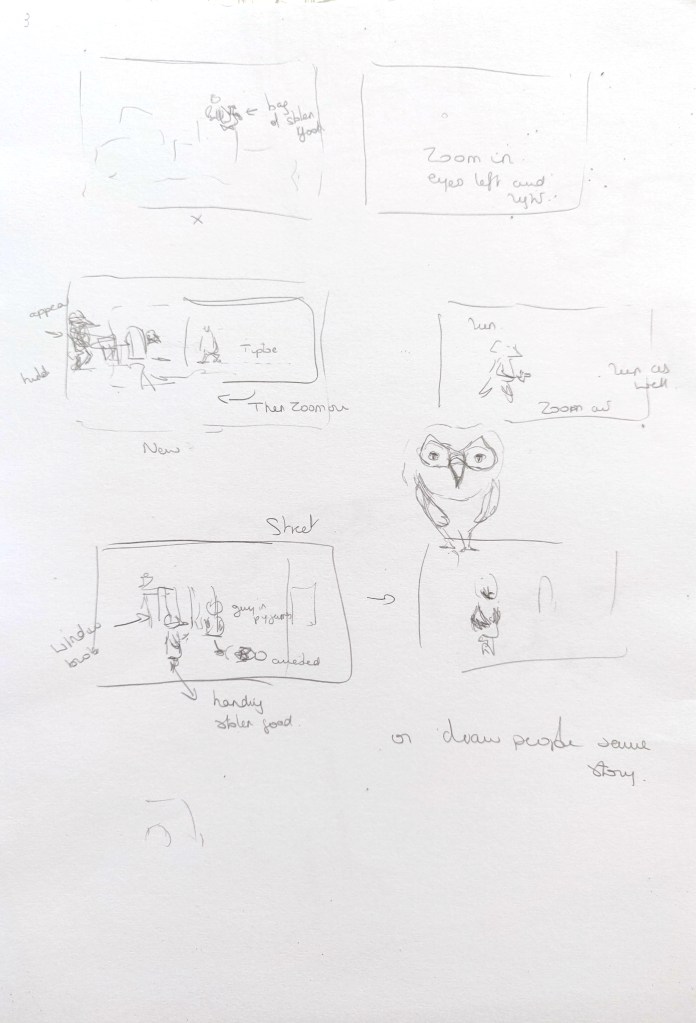




I did some research about sizes used to create films and opted for the following ratio: 1.85:1 (https://www.empireonline.com/movies/features/film-studies-101-aspect-ratios/).
I selected a simple colour palette. The story would happen at night and the idea was to combine some bluish greys with orangey browns. I also needed a light yellow for light sources.
I carried out some test with one of the characters to see which technique would work best to give the illusion of movement (including walking and running). At that stage, I realised that I would need to rig characters and create loops among other things in After Effects and I did not have the technical knowledge to create such a scene.
I therefore decided to simplify the action and to use a more traditional method where I would draw several positions in Illustrator. I would then use the different positions as a sequence in After Effects to illustrate a movement.


I then created the characters and backgrounds separately in Illustrator so that I could zoom in and out in After Effects.
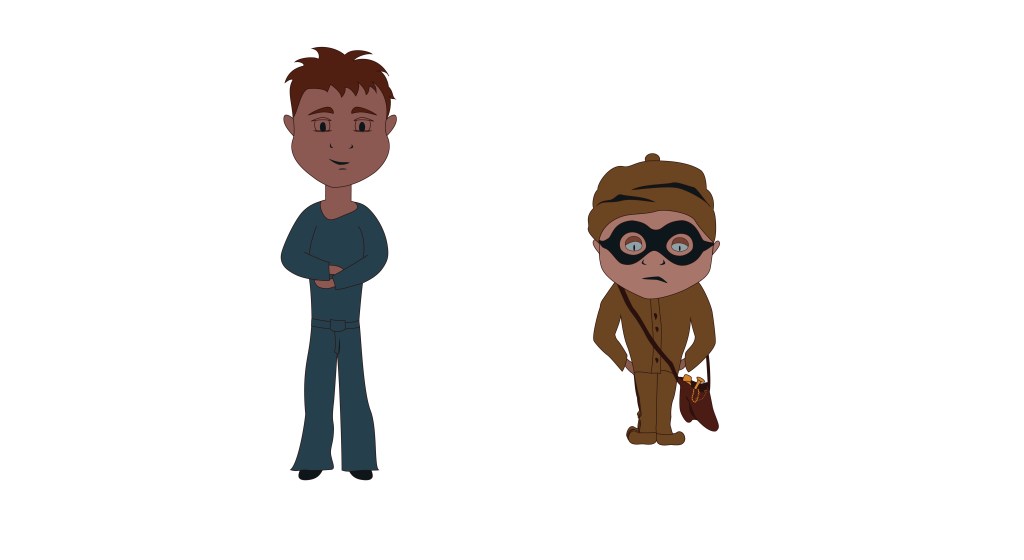
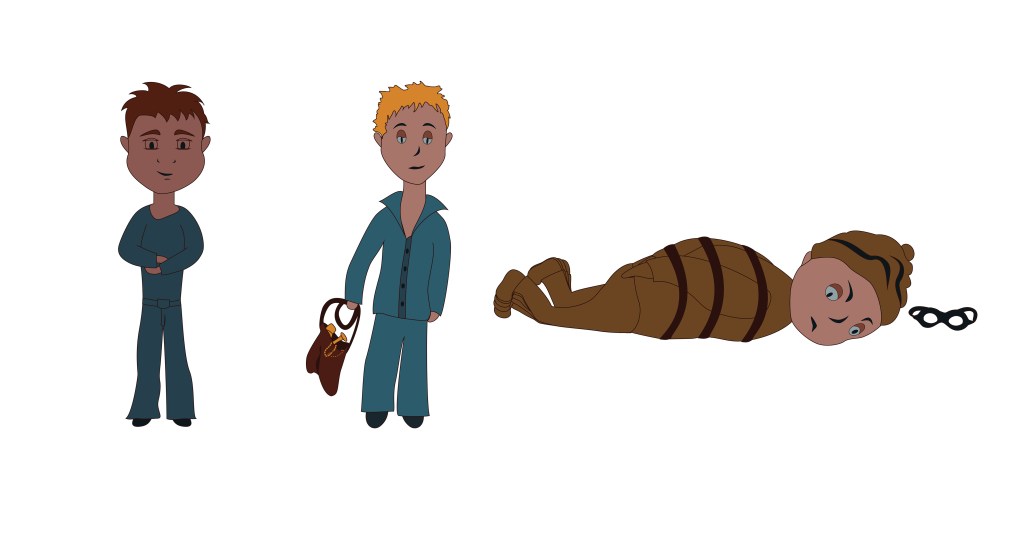
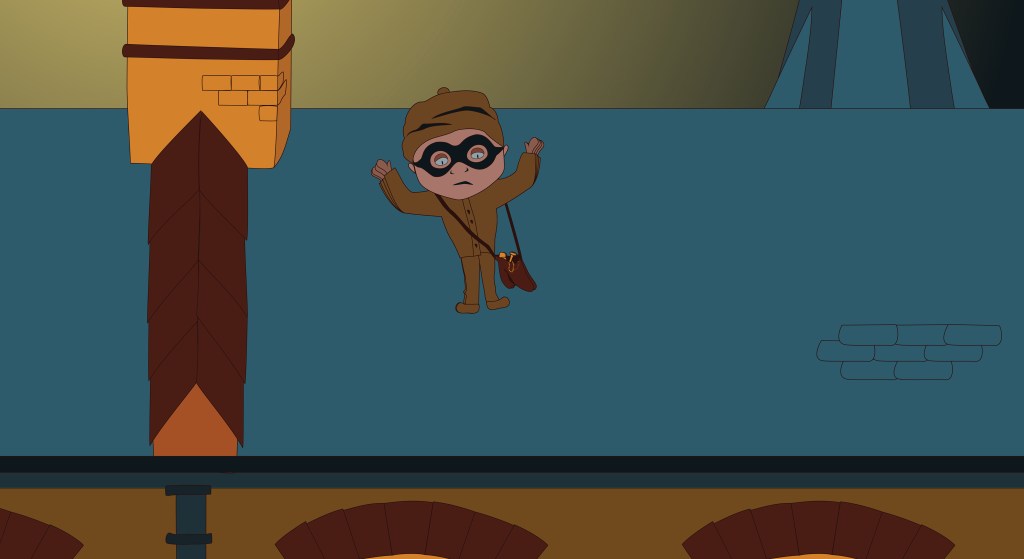
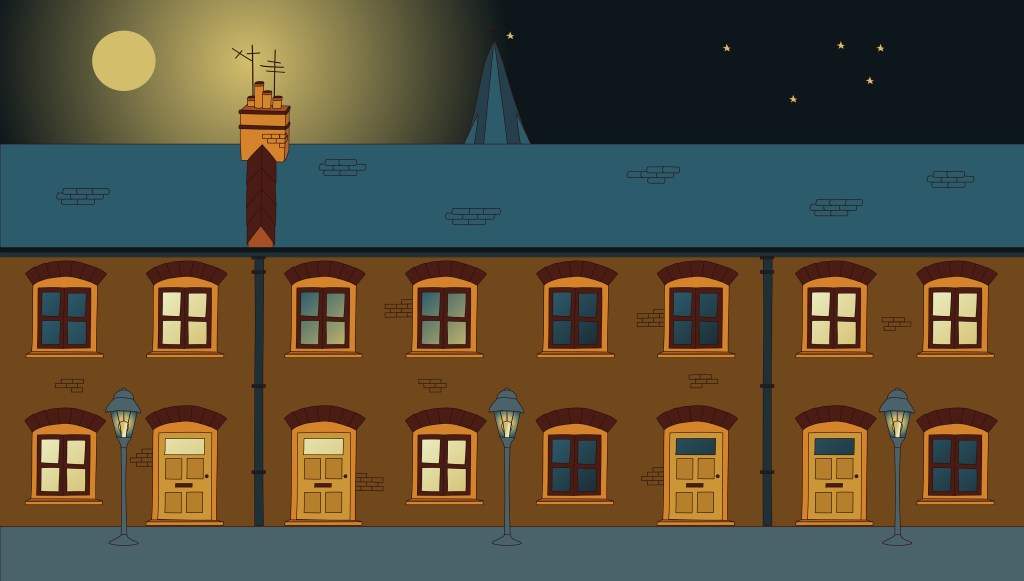
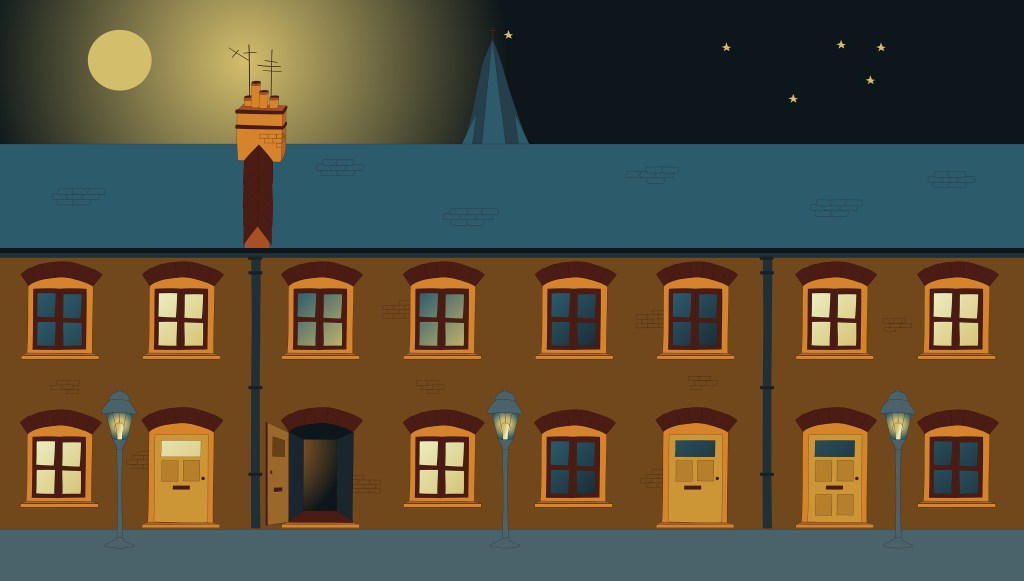
Finally I added everything in After Effects to create a small film.
What went well
Using a limited colour palette worked well.
I enjoyed trying to create characters based on simple shapes.
Challenges
I found this exercise very challenging and spent a lot of time going back and forth to find out how to animate the characters. I probably tried something too complex as a first experiment and had to amend the story as a result. The outcome is not so satisfactory: the characters are very stiff and the movements are not natural.
Conclusion
In spite of or maybe because of the difficulties I encountered with this exercise, I learned a lot. To create an animation is a good way to really understand the elements that have to be taken into consieration. For instance, when a character is in movement, the perspective changes as they turn towards the camera or away from it and the entire character often has to be redrawn to illustrate a natural movement. Sometimes a program might make it look easy in a tutorial but only fairly simple movements can easily be automated in a software such as Animate.
 Catherine Roux Degree in Illustration